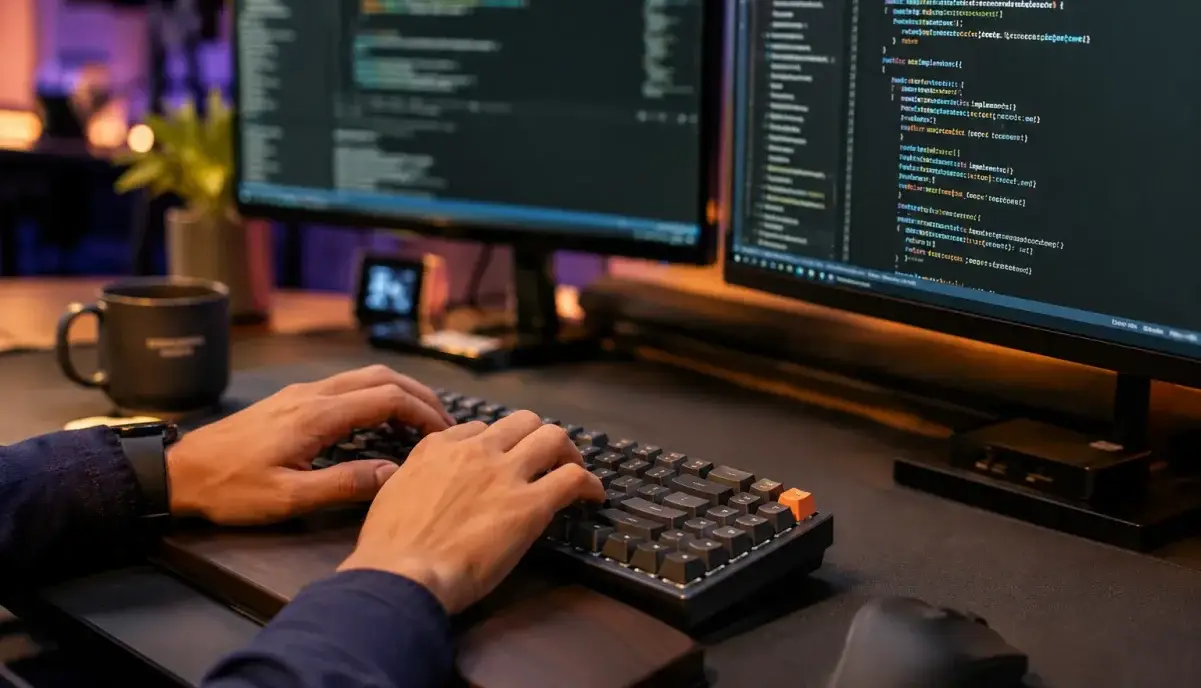
Looking to boost your productivity in the Work Scenes category? Typing speed is a fundamental skill that impacts everything from email communication to coding efficiency. Based on ergonomic research and typing coach methodologies, this guide provides evidence-based techniques to help you type faster and more accurately.
Why Typing Speed Matters in the Digital Age
The average person types 40 words per minute (WPM), but professional typists achieve 65-75 WPM. According to a study by the American College of Occupational and Environmental Medicine, improving typing speed by just 10 WPM can save approximately 2.5 hours per week for knowledge workers. Beyond time savings, faster typing reduces cognitive load, allowing you to focus on content rather than mechanics.
Key Factors That Affect Typing Speed
Before diving into techniques, understanding what influences typing speed helps you target improvements effectively:
- Finger Placement – Proper home row positioning (ASDF for left hand, JKL; for right hand) is the foundation of touch typing
- Posture and Ergonomics – Research shows that proper wrist alignment and chair height can improve typing speed by 15-20%
- Keyboard Type – Mechanical keyboards with tactile switches provide better feedback than membrane keyboards
- Practice Consistency – Studies indicate that 15-20 minutes of daily practice yields better results than hour-long weekly sessions
- Accuracy vs. Speed Balance – Focusing on accuracy first naturally leads to speed improvements as muscle memory develops
Science-Backed Techniques to Improve Typing Speed
These methods are supported by typing coaches and ergonomic research:
1. Master Touch Typing (No Looking at Keyboard)
Touch typing engages muscle memory rather than visual memory. Start by covering your hands with a cloth while typing to force yourself to rely on feel. Most people see 30-40% improvement within 2 weeks of consistent practice.
2. Use the “Rhythm Method”
Type at a steady, metronome-like pace rather than bursts of speed followed by pauses. This technique, used by professional transcriptionists, builds consistent neural pathways and reduces error rates by up to 25%.
3. Practice Common Word Patterns
The 100 most common English words account for 50% of all typed text. Practice typing these word clusters: “the”, “and”, “that”, “have”, “for”, “not”, “with”, “you”, “this”, “but”. Typing tutors like Keybr.com and TypingClub.com offer pattern-based exercises.
4. Optimize Your Workspace
Ergonomic studies recommend: keyboard at elbow height, wrists floating (not resting), monitor at arm’s length, and feet flat on the floor. These adjustments reduce fatigue and enable sustained high-speed typing.
5. Take Strategic Breaks
The Pomodoro Technique (25 minutes typing, 5 minutes rest) prevents repetitive strain and maintains accuracy. Research from Cornell University shows that brief breaks every 20-30 minutes improve long-term typing performance.
Common Mistakes That Slow You Down
- Looking at the keyboard – Breaks flow and reduces speed by 40-50%
- Using only index fingers – “Hunt and peck” typing maxes out at 30-40 WPM
- Typing too fast too soon – Leads to errors that require backspacing, actually slowing you down
- Poor posture – Causes fatigue and reduces endurance
- Not using all fingers – Each finger has designated keys; using the wrong finger adds unnecessary movement
Explore More Categories
Interested in other productivity and lifestyle guides? Check out our content:
Frequently Asked Questions
What is a good typing speed for beginners?
A good starting goal is 30-40 WPM with 90%+ accuracy. Most beginners start at 20-25 WPM and can reach 40 WPM within 2-4 weeks of consistent practice (15-20 minutes daily).
How long does it take to improve typing speed?
With daily practice of 15-20 minutes, most people see measurable improvement within 2 weeks. Reaching 60+ WPM typically takes 2-3 months of consistent practice. The key is consistency over duration.
Should I focus on speed or accuracy first?
Always prioritize accuracy first. Speed naturally follows as muscle memory develops. Typing fast with many errors actually slows you down due to backspacing and corrections. Aim for 95%+ accuracy before pushing for speed.
Does keyboard type affect typing speed?
Yes. Mechanical keyboards with tactile or linear switches provide better feedback than membrane keyboards, potentially improving speed by 5-10%. However, the typing technique matters more than the keyboard type.
Can I improve typing speed without formal lessons?
Yes. Free online tools like Keybr.com, TypingClub.com, and 10FastFingers.com offer structured practice. The key is consistent daily practice rather than formal lessons.
Final Thoughts
Improving typing speed is an investment that pays dividends throughout your digital life. Start with proper finger placement, practice consistently for 15-20 minutes daily, and focus on accuracy before speed. Within a month, you’ll notice significant improvements in both speed and comfort.
Remember: the goal isn’t just to type faster, but to type efficiently without fatigue. Proper ergonomics and consistent practice are your best tools for long-term improvement.
Want More Productivity Tips?
Explore our full Work Scenes collection for more evidence-based guides on workspace optimization and productivity.