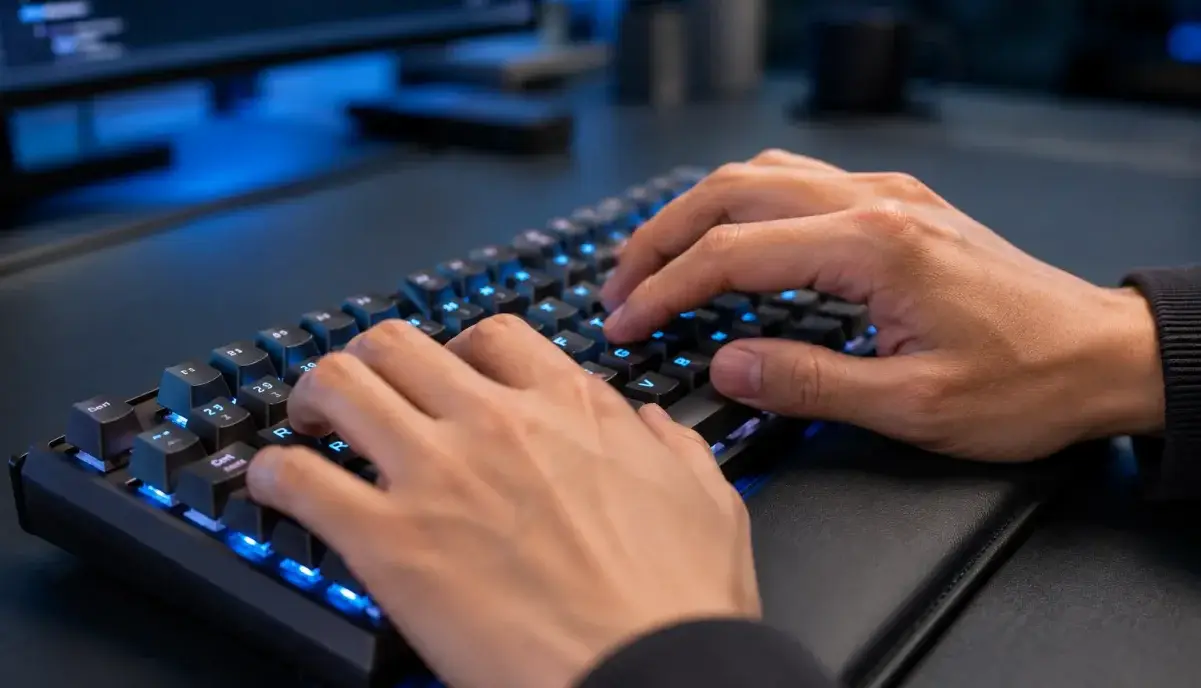
Want to type faster and more efficiently in your Work Scenes? Whether you’re writing emails, coding, or creating content, typing speed directly impacts your productivity. This guide combines insights from professional typists, ergonomic experts, and keyboard enthusiasts to help you type faster with less effort.
The Science Behind Fast Typing
Fast typing isn’t about moving fingers quickly—it’s about minimizing unnecessary movements. Research from MIT’s Computer Science and Artificial Intelligence Laboratory shows that expert typists plan 2-3 characters ahead while typing, allowing their fingers to move in fluid sequences rather than individual keystrokes. This “chunking” technique is the key to breaking through speed plateaus.
Essential Techniques for Faster Typing
1. Perfect Your Home Row Position
Your fingers should rest on ASDF (left hand) and JKL; (right hand) when not typing. The small bumps on the F and J keys help you find this position without looking. Every keystroke should return to home row—this minimizes finger travel distance.
2. Learn to Type Without Looking
Touch typing (typing without looking at the keyboard) is non-negotiable for speed. Looking at the keyboard breaks your flow and adds 0.5-1 second per glance. Practice with your eyes closed or use a keyboard cover to force yourself to rely on muscle memory.
3. Use All Ten Fingers
Each finger has designated keys. Using the wrong finger (like using your index finger for everything) adds unnecessary movement. Here’s the standard finger assignment:
- Left pinky: Q, A, Z, 1, Tab, Caps Lock, Shift
- Left ring: W, S, X, 2
- Left middle: E, D, C, 3
- Left index: R, F, V, T, G, B, 4, 5
- Right index: Y, H, N, U, J, M, 6, 7
- Right middle: I, K, comma, 8
- Right ring: O, L, period, 9
- Right pinky: P, semicolon, slash, 0, Enter, Backspace, Shift
- Thumbs: Spacebar
4. Practice Common Word Clusters
The most common English words and phrases appear repeatedly. Practice typing these clusters until they become automatic: “the”, “and”, “that”, “have”, “for”, “not”, “with”, “you”, “this”, “but”, “ing”, “tion”, “ment”. Typing these as single units rather than individual letters dramatically increases speed.
5. Optimize Your Keyboard Setup
Your physical setup matters more than you think:
- Keyboard height: Should be at elbow level when sitting
- Wrist position: Should float, not rest on the desk or wrist pad
- Keyboard tilt: Slight negative tilt (front higher than back) reduces wrist strain
- Key switch type: Mechanical switches (Cherry MX Brown or Red) provide better tactile feedback than membrane keyboards
Common Mistakes That Slow You Down
- Looking at the keyboard – The #1 speed killer
- Using only 2-4 fingers – Limits you to 30-40 WPM maximum
- Typing too hard – Modern keyboards require minimal force; pressing hard causes fatigue
- Incorrect finger assignment – Using the wrong finger for keys adds unnecessary movement
- Skipping accuracy practice – Speed without accuracy leads to more backspacing
Explore More Categories
Interested in other productivity and lifestyle guides? Check out our content:
Frequently Asked Questions
How fast should I be able to type?
The average typing speed is 40 WPM. Professional typists achieve 65-75 WPM. Competitive typists can reach 100+ WPM. A good goal for most people is 60 WPM with 95%+ accuracy.
What’s the fastest way to learn touch typing?
Use free online tools like Keybr.com (focuses on problem keys) or TypingClub.com (structured lessons). Practice 15-20 minutes daily for 2-4 weeks. Consistency matters more than session length.
Does a mechanical keyboard help you type faster?
Mechanical keyboards can improve speed by 5-10% due to better tactile feedback and key travel. However, technique matters more than equipment. A skilled typist on a membrane keyboard will outperform a beginner on a mechanical keyboard.
How long does it take to learn touch typing?
Most people can learn touch typing basics in 1-2 weeks with daily practice. Reaching comfortable speeds (50+ WPM) typically takes 1-2 months. Mastery (70+ WPM) takes 3-6 months of consistent practice.
Should I use a wrist rest while typing?
Ergonomic experts recommend against resting your wrists while typing. Your wrists should float slightly above the desk. Wrist rests are only appropriate during pauses, not while actively typing.
Final Thoughts
Typing faster is about efficiency, not just speed. Focus on proper technique, consistent practice, and ergonomic setup. The investment of 15-20 minutes daily practice will pay off with lifetime productivity gains.
Start today: position your fingers on the home row, stop looking at the keyboard, and practice for just 15 minutes. You’ll be surprised how quickly you improve.
Want More Productivity Tips?
Explore our full Work Scenes collection for more evidence-based guides on workspace optimization and productivity.