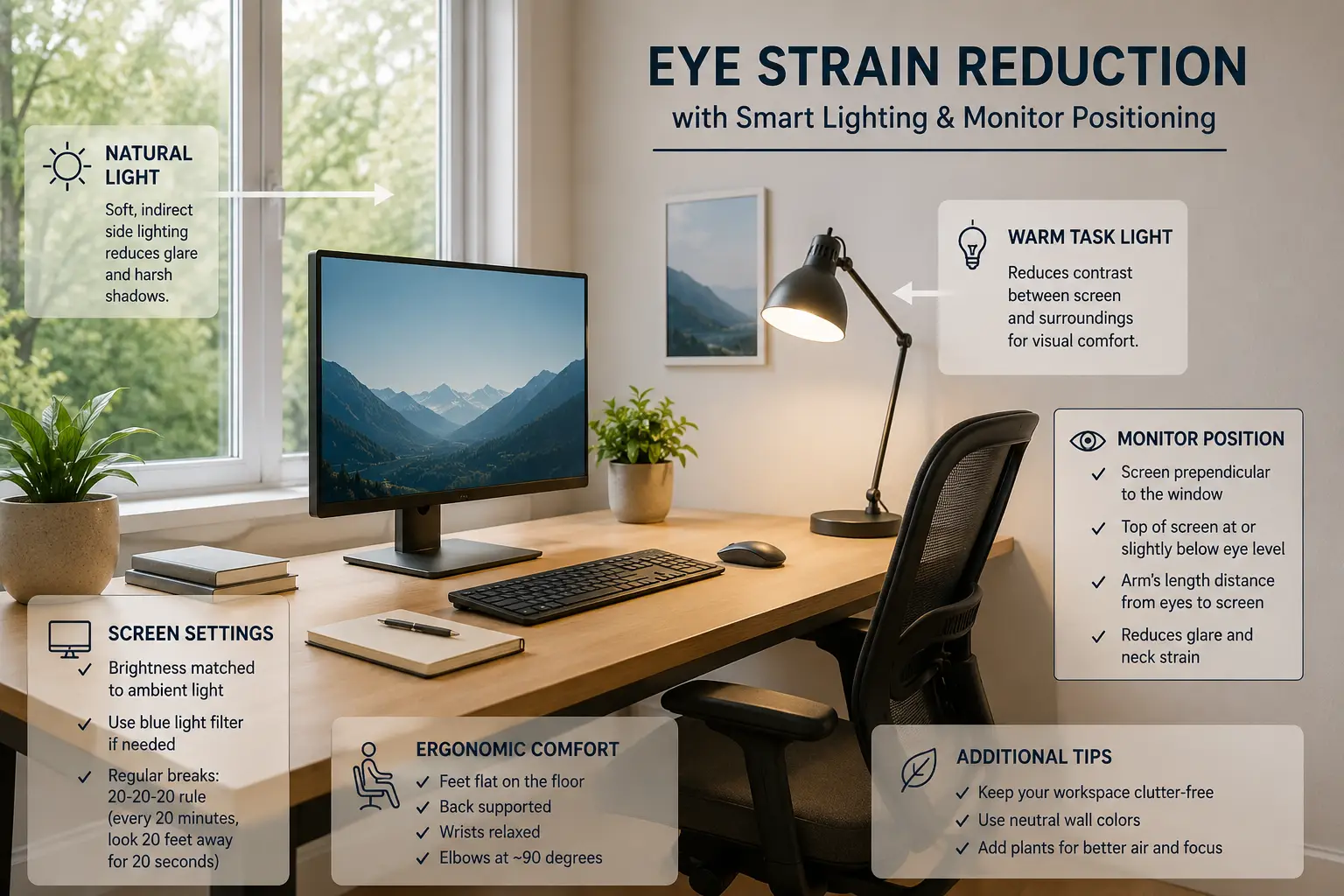
A well-designed home office lighting setup is essential for reducing digital eye strain, improving focus, and maintaining long-term visual comfort during remote work. This guide explains how to optimize lighting, monitor placement, and brightness balance for a healthier workspace.

Balanced lighting reduces glare and improves long-term eye comfort during computer work.
Why Proper Lighting Matters for Eye Strain
Poor lighting conditions force your eyes to constantly adjust between bright and dark areas, leading to fatigue, dryness, and reduced productivity during long working hours.
Common Causes of Eye Fatigue
Too bright or too dim screens create visual stress.
Direct sunlight increases reflections and reduces clarity.
Creates uneven contrast across the workspace.
Effects of Poor Lighting
Continuous exposure to poor lighting conditions may cause headaches, blurred vision, and reduced concentration.
- Faster eye fatigue during screen work
- Lower productivity and focus
- Increased discomfort during long sessions
- Higher risk of long-term visual strain
Best Lighting Setup Practices
- Place monitor perpendicular to windows.
- Use soft ambient lighting instead of harsh direct light.
- Match screen brightness with room brightness.
- Use 3000K–5000K color temperature lighting.
- Add bias lighting behind your monitor.
Recommended Lighting Balance
A balanced combination of ambient light and controlled screen brightness creates a comfortable and productive workspace for long working hours.
Slightly dim environments with properly adjusted monitors are often more comfortable than overly bright office lighting.
Final Thoughts
A proper lighting setup significantly improves eye comfort, productivity, and overall work experience for remote professionals.