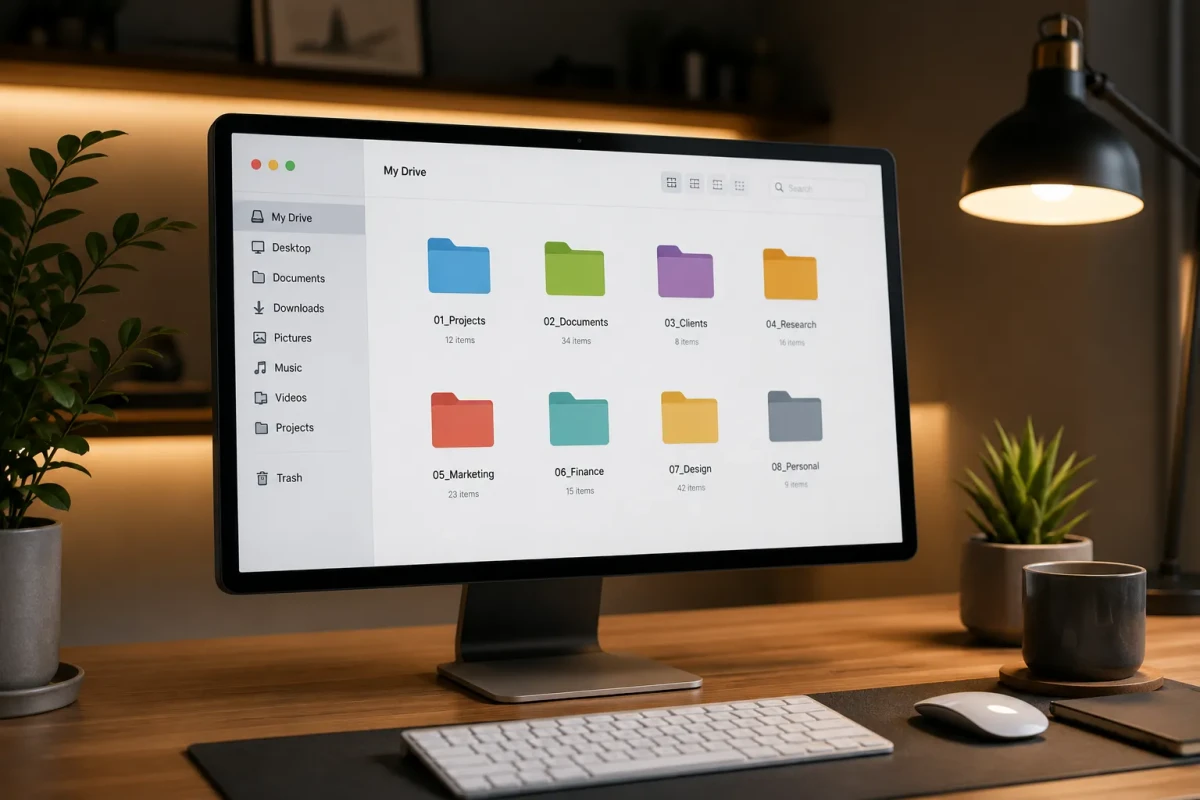
Featured Image: How to organize digital files – clean computer desktop with organized folder structure
Table of Contents
This comprehensive guide on how to organize digital files provides evidence-based strategies and practical tips you can start using today.
Digital clutter can be just as stressful as physical clutter. In the Work Scenes category, file organization is essential for productivity and peace of mind. This guide provides a complete system to organize your digital files across all devices.
Assess Your Current Digital Clutter
Before organizing, understand the scope of the problem. Check your desktop, Downloads folder, Documents, and cloud storage.
Most people have hundreds of files scattered across multiple locations with no consistent naming system. A 2023 study found that the average knowledge worker spends 1.8 hours per day searching for information – much of it due to poor file organization.
Start by answering: How many files are on your desktop? When was the last time you cleaned your Downloads folder? Do you have files in multiple cloud services?
Create a Folder Hierarchy That Makes Sense
Design a top-level folder structure based on life areas or projects, not file types.
Recommended structure:
- Work/ (projects, clients, admin)
- Personal/ (finance, health, learning)
- Archive/ (completed projects, old files)
- Resources/ (templates, references, assets)
Under each, create subfolders by year or project. Avoid deeply nested structures – three levels deep is usually sufficient. If you need more than three clicks to find a file, your structure is too complex.
Implement a Consistent Naming Convention
Use a clear naming pattern for all files. A recommended format:
YYYY-MM-DD_ProjectName_Description.ext
Examples:
2026-07-08_BudgetReport_Q2Analysis.pdf2026-07-08_MeetingNotes_ClientCall.docx2026-07-08_Invoice_AcmeCorp-001.pdf
This makes files sortable by date and searchable by keywords. Avoid generic names like “Document1.pdf” or “Final_Final_v2.docx”.
The Inbox-Zero Approach for Files
Treat your Downloads folder and Desktop as an inbox, not storage.
Weekly file processing routine:
- Open Downloads folder
- For each file: rename it, move to correct folder, or delete it
- Clear your Desktop of everything except current work files
- Set a calendar reminder for this weekly review
An empty desktop and Downloads folder dramatically reduces digital stress and makes it easier to find what you need.
Use Cloud Storage Strategically
Choose one primary cloud service (Google Drive, OneDrive, or Dropbox) and mirror your local folder structure there.
- Use cloud storage for active projects and collaboration
- Archive completed projects locally or to external drives
- Enable selective sync to keep only active folders on your computer
- Use shared folders for team collaboration instead of emailing files
This keeps cloud storage lean and ensures your most important files are always backed up.
Backup Strategy: The 3-2-1 Rule
Protect your organized files with the 3-2-1 backup rule:
- 3 copies of your data (original + 2 backups)
- 2 different media types (internal drive + external drive)
- 1 copy offsite (cloud storage)
Use an external hard drive for local backup and a cloud service for offsite backup. Test your backups quarterly – a backup you can’t restore is worse than no backup at all.
Frequently Asked Questions
How often should I organize my digital files?
Do a quick weekly review (15 minutes) to process new files, and a monthly deep clean (30 minutes) to archive old projects and reorganize as needed. This prevents clutter from accumulating.
What is the best cloud storage for file organization?
Google Drive is best for collaboration, OneDrive integrates well with Windows and Microsoft Office, and Dropbox is simplest for basic file syncing. Choose based on your existing ecosystem and collaboration needs.
Should I organize by file type or by project?
Organize by project or life area, not by file type. A “Documents” folder full of mixed PDFs, Word docs, and spreadsheets is harder to navigate than a “Project Alpha” folder with all related files together.
Explore More Categories
Discover more guides and tips across our content categories:
Final Thoughts
Digital organization is not a one-time project – it is an ongoing habit. Start with the folder structure and naming convention, then build the weekly review habit. Your future self will thank you every time you find a file in seconds.